DROPZONE How to Redeem Codes
Exact lobby steps for PC and mobile, plus fixes when DROPZONE rejects a community-reported promo code.
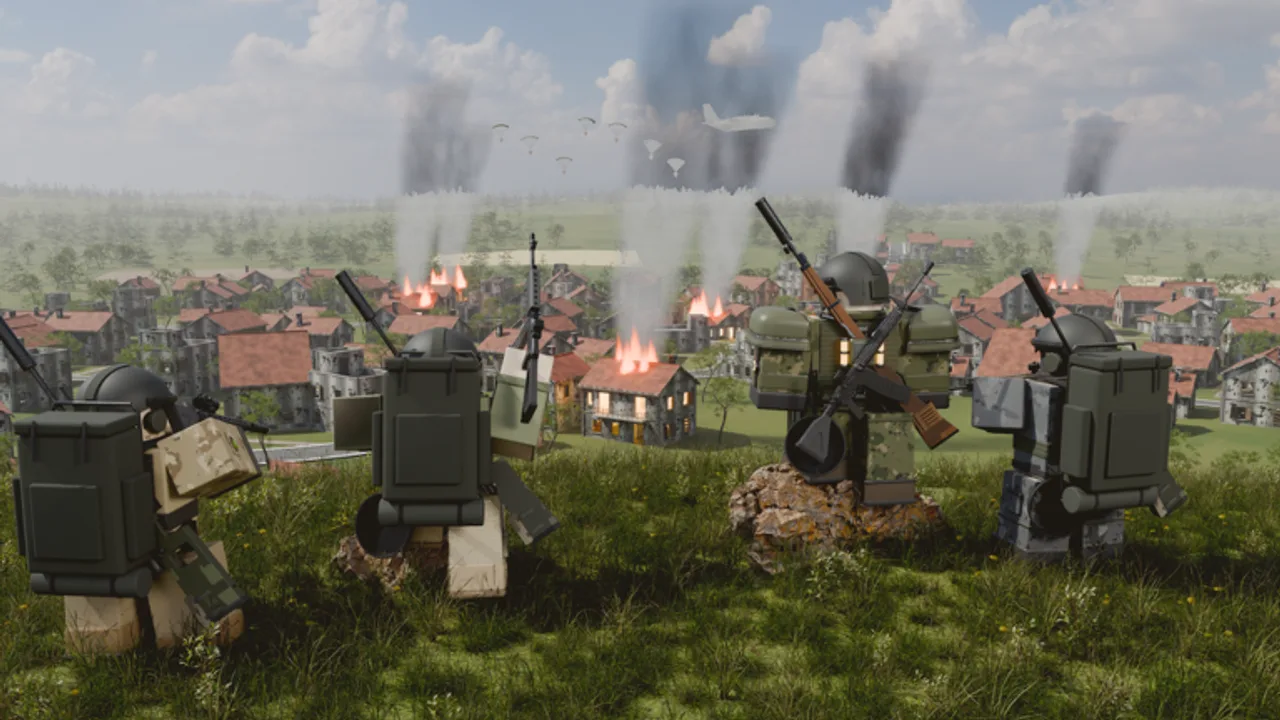
Redeeming codes in DROPZONE is simple once you know where the rewards panel lives in the beta lobby. This guide walks through PC and mobile paths, explains what success looks like, and covers the errors players hit most often. Pair it with the live list on the Codes Hub so you always paste a current string.
DROPZONE is a Roblox battle royale from the Dropzone Battle Royale group. You stage on an island, board the plane, loot across maps such as KOBALT and AKANE, fight the shrinking zone, and aim to be last standing in Solo, Duo, or Squad. Codes will not win the match for you, but they can unlock outfits, weapon skins, Credits, XP boosts, and short power-ups that make early games less punishing.
Before you start
- Use an account you control. Never hand credentials to a “code redeemer” Discord bot or website.
- Open the official experience: DROPZONE on Roblox.
- Update Roblox if the client refuses to join. Stale installs sometimes hide lobby UI buttons.
- Have the code ready from the Codes Hub — for example
FREESKINS,GEMBOOST,POWERUP,DZLAUNCH, orLEVELGRIND— and treat each as verify in-game. - Prefer a stable connection. Packet loss mid-claim can show a success toast without granting the item until you rejoin.
Redeem on PC (Roblox desktop or Windows app)
- Launch Roblox and join DROPZONE.
- Wait until you fully load into the lobby / staging area rather than mid-match. Codes are claimed outside an active round.
- Look for a Codes, Rewards, Gifts, or Shop style button on the lobby HUD. Beta UIs move between patches, so check both the side menu and the top bar after update V2.7 and later.
- Click the codes field, paste one code exactly, and confirm.
- Watch for a success message. Then open inventory, cosmetics, Credits, or XP panels to confirm the grant.
- If nothing appears, leave to the Roblox home page and rejoin once. Many grants only refresh on session load.
Keyboard tip: after pasting, avoid pressing movement keys that close the menu. If you use controller input on PC, switch back to mouse for the text field — some gamepad overlays block paste.
Redeem on mobile (phone or tablet)
- Open the Roblox app, search DROPZONE, and press Play.
- Reach the lobby. Rotate the device to landscape if buttons feel cramped; some reward panels are easier to tap that way.
- Tap the codes / rewards control. On smaller screens it may sit inside a hamburger or tab row.
- Long-press the input box and paste. Typing long codes by hand causes most mobile failures.
- Submit, wait for confirmation, then check inventory before queueing Solo, Duo, or Squad.
If the on-screen keyboard covers the Submit button, dismiss it slightly or scroll the panel. Do not background the app mid-request.
What a successful claim looks like
A clean redeem usually shows a toast or modal naming the reward. Cosmetics appear in outfit or weapon-skin lists. Boosts such as reported GEMBOOST or LEVELGRIND may show as timed buffs or currency deltas. Welcome packs like DZLAUNCH can dump multiple items at once — scroll the full grant list before closing it.
After claiming, spend a minute planning how you will use the value:
- New skins do not change recoil; still learn weapons via the Weapons Tier List and Loadouts.
- XP boosts help progression into outfits and skins, but you still need smart drops from Landing Spots.
- Power-ups are wasted if you hot-drop without armor. Refresh Getting Started and How to Win so free strength turns into placements.
Troubleshooting invalid or missing rewards
“Invalid code”
- Re-copy from the Codes Hub. Hidden spaces before or after the string are common.
- Codes are usually case-sensitive.
FREESKINSis not the same asfreeskinsif the server expects capitals. - The code may have expired after a patch window. Check Patch Notes and Updates for event end dates.
- You might be in a private or outdated server. Rejoin from the main Roblox game page.
“Already redeemed” / “Already used”
Most DROPZONE-style codes are one claim per account. Alts need their own login. If a friend redeemed on a shared PC session while your account was still logged in, the claim already counts.
Success message but empty inventory
- Rejoin the experience once.
- Check every relevant tab: outfits, weapon skins, currencies, and boost timers.
- Confirm you are on the same account that clicked redeem.
- If the grant is a match-only buff, it may only appear after you enter staging for a new round.
Button missing after an update
UI moves during beta. After loot-rate and vehicle ADS fixes in V2.7, menus may shift again. Wait for the lobby to finish loading scripts, check settings tabs, and look for mailbox / rewards icons. If the control is gone for everyone, wait for a hotfix and track Updates.
Platform quirks
- PC browser vs app: the Windows Roblox app is usually more reliable for clipboard paste.
- Mobile data: switch to Wi-Fi if claims time out.
- Tablet split-screen: full-screen the app; split views sometimes clip modal buttons.
- Controller users: open the on-screen keyboard manually for the code field.
For input maps while navigating menus, see Controls.
Safe redeem habits
Never paste codes into third-party “auto redeem” sites. Never download random executors just to claim a cosmetic — that is unrelated to codes and belongs only in the cautionary Scripts discussion. Keep Roblox 2-Step Verification on. If a stranger DMs “new unlimited code list” with a login link, ignore it and return to this wiki’s Codes Hub.
Also avoid redeeming during the final seconds of a countdown into a match. Finish claims in lobby, then queue. Backing out mid-plane can waste time and confuse whether a boost applied.
After you redeem: turn gifts into wins
Codes are a progression shortcut, not a skill shortcut. Use fresh Credits and XP toward cosmetics you actually like, then focus on fundamentals:
- Route power plant, radar station, hills, rivers, and settlements with Landing Spots.
- Prioritize helmets, vests, and backpacks levels 1–3 plus medkits, boosts, grenades, molotovs, and even the frying pan when needed.
- Attach optics (red dot through high zoom), grips, suppressors, and stocks that match your rifle — AKM, HK416, SCAR-L, Kar98k, M24, AWM, Mk14, Vector, UMP45, and more.
- Rotate with cars, motorcycles, or boats when the zone demands it; watch airdrops via Vehicles.
- Review the full Guides hub and Tier List before ranked-feeling sessions with friends.
When you share the wiki, point teammates to How to Redeem plus the Links Hub so everyone claims on the correct account before Duo or Squad queue.
Checklist you can reuse every patch
- Open Codes Hub and note which strings still say verify in-game.
- Join DROPZONE on the account that should own the rewards.
- Redeem in lobby, one code at a time.
- Confirm inventory / currencies / boosts.
- Queue only after claims succeed.
- Skim Patch Notes if the UI or rewards changed.
Follow that loop and you will waste fewer codes to typos, expired events, and wrong accounts — and you will get back into the plane faster.
Frequently Asked Questions
Quick answers to the most common DROPZONE questions.
Can I redeem DROPZONE codes on mobile?
Yes. Join the official experience in the Roblox app, open the lobby codes or rewards panel, paste the code, and confirm the grant in inventory.
Why does my code say already used?
Most codes are one claim per Roblox account. Check that you are on the correct login and try a different code from the Codes Hub.
Do I redeem codes in the middle of a match?
No. Claim in the lobby or staging UI before you queue. Finish redemption, verify rewards, then enter Solo, Duo, or Squad.
Are community-reported codes safe?
The code strings themselves are entered only in the official game. Never type them on phishing sites that ask for your password or cookie.
What if the codes button disappeared after a patch?
Beta lobbies move UI elements. Fully reload the experience, check reward or shop tabs, and follow Updates or Patch Notes for hotfix notes.